

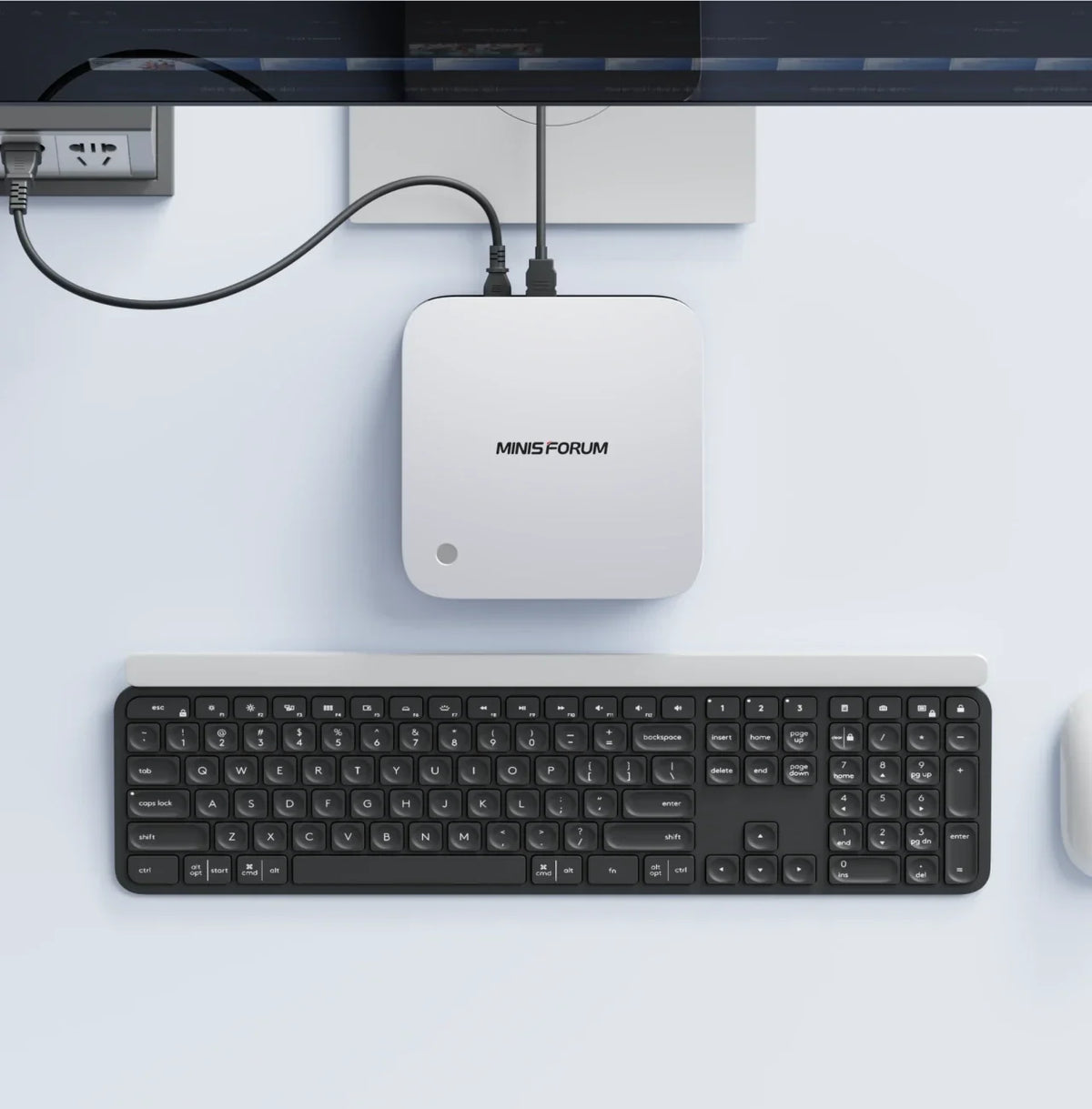
Is a Mini PC Good for a Home Server? From Docker and Proxmox to Local AI
Your first server at home often does not feel much like a “server” at all.
It may simply be a machine you want to leave running for a few services: Home Assistant, Docker, a personal website, download tools, media services, a development environment, file synchronisation or a small database used only by you and your family.
Once a device is expected to run for long periods every day and live in a bedroom, study or living room, size, noise, networking, storage and power use all start to matter. That is one reason Mini PCs work so well for Home Server and Home Lab setups.
A Mini PC can start as a simple Docker Server, then grow into a virtualisation host, development server, Local AI Node or part of a broader home setup alongside a NAS.
How Much Performance Does a Home Server Actually Need?
Home Server requirements vary enormously. If you only want to run a few lightweight Docker containers such as Home Assistant, AdGuard, personal services or a simple web page, a modern Mini PC usually has more than enough performance.
But the hardware requirements change quickly if the same machine is handling Docker, databases, Home Assistant, development environments and Local AI at the same time.
So when choosing a Home Server, it is not enough to ask whether the CPU is “powerful”. It is more useful to look at CPU core count, memory capacity, the number of SSD slots, network speed, whether you need multiple LAN ports, and whether you may add a NAS or GPU later.
16GB, 32GB or 64GB?
Home Server memory requirements mainly depend on how many services need to run at the same time.
16GB
If the workload is limited to a few lightweight containers, 16GB can already cover a lot of basic Home Server tasks. That might include Home Assistant, network tools, a personal website, a lightweight database, file synchronisation and simple Docker services.
For a first Home Lab, 16GB is usable. The main limitation is that once you keep adding services, the available memory can disappear quite quickly.
32GB
32GB is a more comfortable starting point for a Home Server.
Home Labs tend to grow. 32GB leaves more room for Docker and the host system and also gives you enough headroom to experiment with one or two virtual machines without immediately upgrading the memory.
64GB and Above
If you already plan to run multiple VMs, Proxmox, a larger Docker stack, databases, Local AI, RAG or development servers, 64GB makes more sense.
Moving to 96GB or 128GB is more useful when one Mini PC is expected to act as a genuine multi-purpose Home Lab Server. At that point, the machine is effectively combining Virtualisation Host + Development Server + Local AI Node.
If you are still deciding how much memory you need, see How Much RAM Does a Mini PC Need?
Why Is Docker Such a Good Fit for a Mini PC Home Server?
Docker works well for Home Server use because different services can run separately without needing a dedicated computer for every application.
One Mini PC can run Home Assistant, a database, a web service, dashboard, network tools, media services, development tools and a backup service at the same time.
Each service sits in its own container and can be updated, paused or removed when needed. For a home environment, that is much simpler than maintaining several separate computers.
A Mini PC is also small enough to sit near a router, switch, NAS or on a shelf without needing space for a full-size tower.
Is a Mini PC Good for Proxmox and Virtual Machines?
Yes, but CPU, RAM and storage matter.
If you want one machine to run several isolated systems, Proxmox and virtual machines are more flexible than Docker alone.
The same Mini PC could, for example, host a Linux Server, a Windows VM, a Home Assistant VM, several Docker services and a separate test environment.
Memory is usually the first resource to come under pressure in this kind of setup. An 8-core / 16-thread processor is already enough for a capable personal Home Lab.
If the number of VMs grows, 12 cores / 24 threads and 64GB or more of memory provide more headroom. Storage matters just as much. Multiple VM images can consume hundreds of gigabytes, so a Proxmox Mini PC should not be judged on CPU performance alone.
Two or three M.2 slots can be extremely useful.
The operating system, virtual machines and data can be split across different SSDs, making future storage expansion easier as well.
Why Does a Home Server Benefit from 2.5GbE?
For normal internet access, 1GbE is fast enough. A Home Server is different because it may be moving backups, photos, video, project files, VM images, datasets or AI models around the local network on a regular basis.
If there is also a NAS in the house, network speed becomes even more noticeable.
2.5GbE is not just about a higher speed-test number. When several devices are accessing the server at once, or the Mini PC and NAS are transferring large files between each other, the extra bandwidth can reduce waiting time.
For a Home Server Mini PC intended to stay in use for several years, 2.5GbE is a very practical feature. If the system has two LAN ports, those can also be useful for more advanced network layouts, virtualisation or separating different network roles.
When Does 10GbE Make Sense?
Not every home needs 10GbE.
It is more relevant for larger NAS systems, high-bitrate video workflows, heavy media transfers, multiple simultaneous users, large datasets, Local AI or studio-level local networks.
Once a Home Server and NAS are regularly moving tens or hundreds of gigabytes between each other, networking becomes part of the system design rather than simply a way to get online.
Should a Home Server Use SSDs or HDDs?
If the server mainly runs the operating system, Docker, databases and virtual machines, NVMe SSDs are a good fit. They offer fast start-up and strong random I/O performance, and the Mini PC form factor is naturally well suited to M.2 storage.
If the goal is to keep a large collection of photos, films, backups or datasets for the long term, HDD storage still offers a lower cost per terabyte and is better suited to high-capacity archiving.
Is a Mini PC + NAS Better Than a NAS on Its Own?
If the main requirement is family photos, file backup, media storage and shared access, a NAS may already be enough.
If you also need Docker, virtual machines, a development environment or Local AI, the Mini PC can take on the compute-heavy work.
Mini PC = Compute Layer, responsible for Docker, VMs, applications, Local AI and development.
NAS = Data Layer, responsible for backups, media, projects, models, datasets and shared files.
If you are still deciding which side matters more to you, see Mini PC or NAS? What I Learned While Choosing Between Them.
Why Does a Home Lab Suit a Mini PC So Well?
A Home Server is usually about keeping existing services stable. A Home Lab is more of a long-term experimental environment.
You may repeatedly install, remove and rebuild Docker stacks, Linux distributions, Kubernetes environments and Local AI services.
In that kind of setup, a Mini PC offers enough flexibility without taking up the space of a large workstation. If an experiment goes wrong, a VM or container can simply be rebuilt, and a modern Mini PC usually has enough performance to run several different test environments at once.
For users learning Linux, Docker, Kubernetes, networking or virtualisation, this is often much more convenient than repeatedly changing the operating environment on a main desktop PC.
Can Local AI Run on a Home Server?
Yes.
Local AI can easily become another Home Lab service. A Mini PC can run a Local LLM, embedding model, RAG system, AI agent, local API or coding model, while other devices on the local network access it through a browser, API or client application.
That turns one Home Server into a Local AI Node. Local AI is different from an ordinary Docker service, however. The larger the model, the more RAM, GPU capability and SSD capacity it needs.
Lightweight models can start with 32GB, while medium-sized models are better suited to 64GB. If the goal is a larger Local LLM, complex RAG or several AI services running together, 96GB–128GB gives you more room.
GPU performance also affects inference speed. If the Mini PC includes OCuLink, a desktop GPU can be added later without replacing the entire Home Server.
For more on model size and hardware requirements, see Local AI Mini PC Guide: 7B, 30B & 70B+ Models.
Does a Home Server Need a Dedicated GPU?
Most Home Servers do not.
Docker, databases, Home Assistant, web services, file synchronisation and ordinary virtual machines can all run on integrated graphics. That is one of the advantages of using a Mini PC as a Home Server.
Without a large desktop GPU, the system can stay compact and does not need a larger power supply or chassis simply to support graphics hardware.
Some Home Labs may later add AI, GPU computing or other workloads that benefit from stronger GPU performance. If you do not need that today but may need it in the future, choosing a Mini PC with OCuLink keeps that option open.
Use integrated graphics for normal server workloads, then connect a desktop GPU only when it is needed.
For more on external GPU expansion, see our OCuLink eGPU Dock Guide.
Does a Home Server Need to Stay On 24/7?
Not necessarily.
Some services are well suited to 24/7 operation, including Home Assistant, network services, automated backups and remote access.
Development environments, test VMs and Local AI do not always need to stay active. A Home Lab can therefore be split between Always-On Services and On-Demand Workloads. Lightweight services stay running, while larger VMs, AI models or test environments are started only when needed.
The more important points are whether the cooling environment is suitable, whether airflow is unobstructed and whether the system is appropriate for stable long-term operation.
Can the Same Home Server Also Be a Development PC?
Yes, depending on how you want to use it.
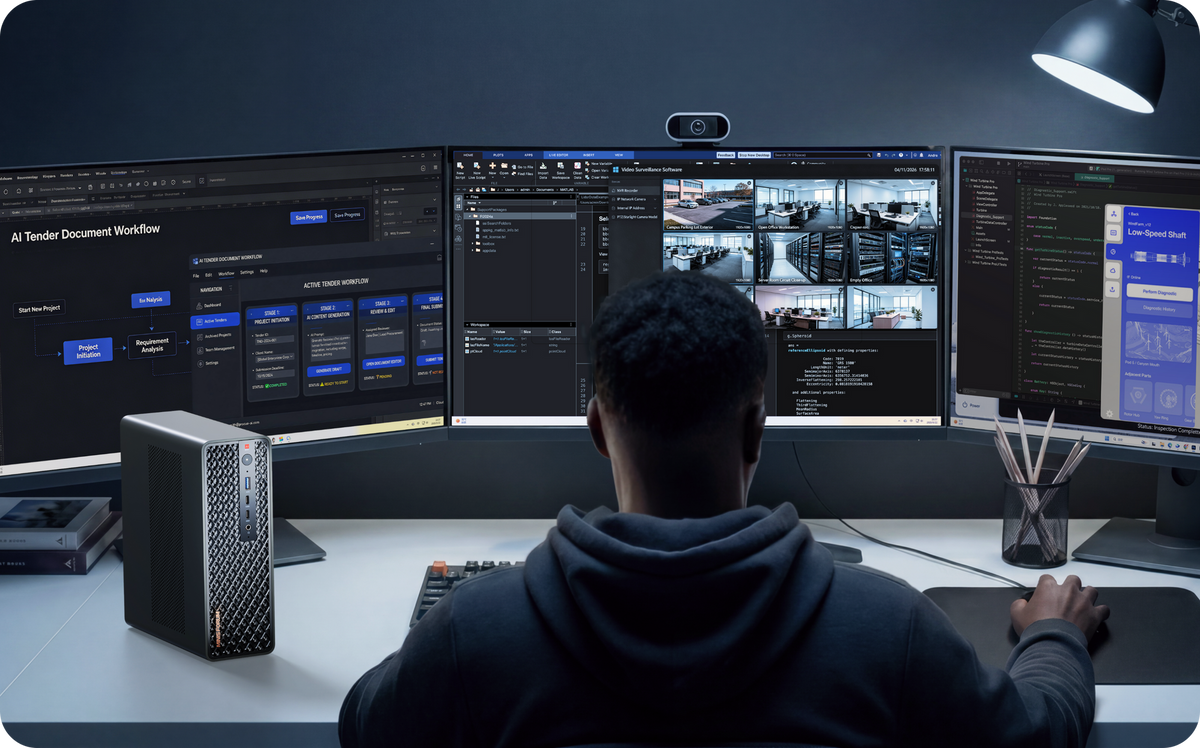
If the Mini PC already sits on your desk, it can work as a development machine during the day while selected Docker services continue to run in the background.
If the setup is more Home Lab focused, the Mini PC can sit beside networking equipment and be managed through Remote Desktop, SSH or a browser.
At that point it behaves more like a dedicated server. Neither approach is inherently better; they simply suit different workflows.
If you want a closer look at programming, Docker and VM hardware requirements, see Mini PC for Programming: Docker, VMs, Local AI & Development.
Choosing a MINISFORUM Mini PC for a Home Server
X1-Lite 255: Entry-Level Home Server and Docker
If the main goal is a home Docker Server, learning Linux, running Home Assistant, personal services and a lightweight Home Lab, the X1-Lite 255 is a practical starting point.
Its 32GB memory can cover a large number of lightweight Docker services, while two M.2 slots leave room for more storage later. 2.5GbE, USB4 and OCuLink also mean the system retains useful expansion options over time.
UM880 Plus: Proxmox, VMs and an Expandable Home Lab
The UM880 Plus is better suited to users who expect their Home Lab to keep growing.
Its Ryzen 7 8845HS provides 8 cores / 16 threads, while the memory and SSD storage can both be upgraded. It also includes dual M.2 storage, 2.5GbE, USB4 and OCuLink.
For Proxmox, several Docker services, virtual machines, a development server and lighter Local AI workloads, that upgrade path gives you more flexibility. RAM, SSD capacity or GPU performance can be expanded later as the Home Lab changes.
AI X1 Pro-370: Home Lab + Local AI
If the Home Server also needs to handle Local AI, several VMs and heavier development work, the AI X1 Pro-370 is a stronger fit.
Its 64GB + 2TB starting configuration is already capable of supporting a substantial development, virtualisation and Local AI environment.
A higher memory ceiling, three M.2 SSD slots, dual 2.5GbE, dual USB4 and OCuLink leave more room for the Home Lab to grow over time.
What Else Should European Buyers Consider for a Home Server?
A Home Server differs from an ordinary PC in one important way it may stay in service for many years. It may also hold family data, backups, development environments, VMs, databases and AI models.
When buying a Home Server Mini PC in Europe, it is worth checking VAT, the dispatch warehouse, the return process, warranty period, European repair options, replacement parts and after-sales support.
The MINISFORUM EU Store states that VAT is included in displayed prices for orders shipped to EU countries and that in-stock products are dispatched from its German warehouse. Current EU Store warranty terms provide 36 months of cover for eligible PCs, workstations and NAS products purchased on or after 9 March 2026, while the European repair process includes a repair centre in Hamburg, Germany.
If the system is expected to support household services for years, recovery time and access to local support become part of the long-term cost of ownership.
What Matters Most in a Home Server Mini PC?
There is no single “best” Home Server configuration for everyone.
If you only need Docker and Home Assistant, 16GB–32GB + SSD + 2.5GbE can already do a great deal.
If you start running Proxmox, several VMs and development services, 32GB–64GB + Multi-Core CPU + Multiple M.2 is a better fit.
If the Home Lab also includes Local AI, 64GB–128GB + Larger SSD + GPU Expansion gives you more headroom.
If large amounts of data need to be stored for the long term, do not simply keep adding SSDs to the Mini PC.
As long as the system keeps enough room for future upgrades, one Mini PC can grow from a simple Home Server into a complete Home Lab.

Leave a comment
This site is protected by hCaptcha and the hCaptcha Privacy Policy and Terms of Service apply.